Online or onsite, instructor-led live Authorized Microsoft Office training courses demonstrate through interactive hands-on practice the fundamentals and advanced concepts of Authorized Microsoft Office.
Authorized Microsoft Office training is available as "online live training" or "onsite live training". Online live training (aka "remote live training") is carried out by way of an interactive, remote desktop. Onsite live Authorized Microsoft Office training can be carried out locally on customer premises in Kathmandu or in NobleProg corporate training centers in Kathmandu.
NobleProg -- Your Local Training Provider
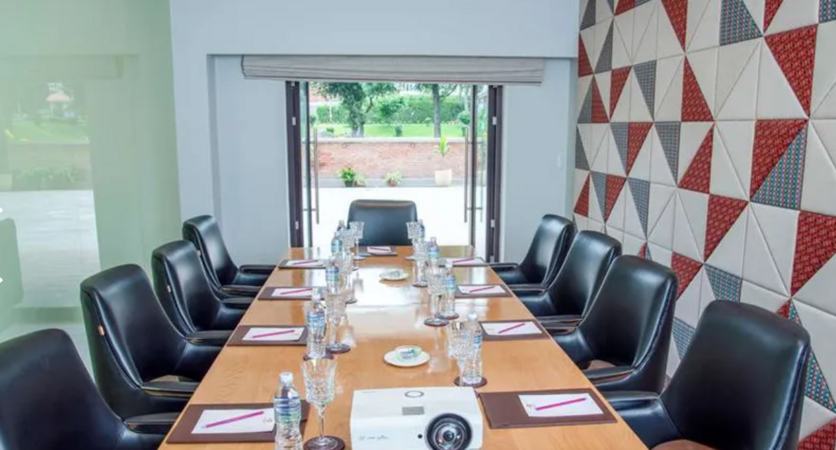
Kathmandu Classroom
near Soaltee, Tahachal Marg, Kathmandu, Nepal, 44600
Set in Kathmandu, this classroom is well located near Tahachal Marg with all amenities and WiFi.
For Sales Enquires and Meetings
All our centres have batches running on weekdays and weekends hence, please note that, in most cases, usually we are not able to organise ad hoc sales meetings, especially on our classrooms as they are all occupied with ongoing training sessions . Please contact us by e-mail or phone at least one day earlier to make an appointment with one of our consultants at our corporate offices.
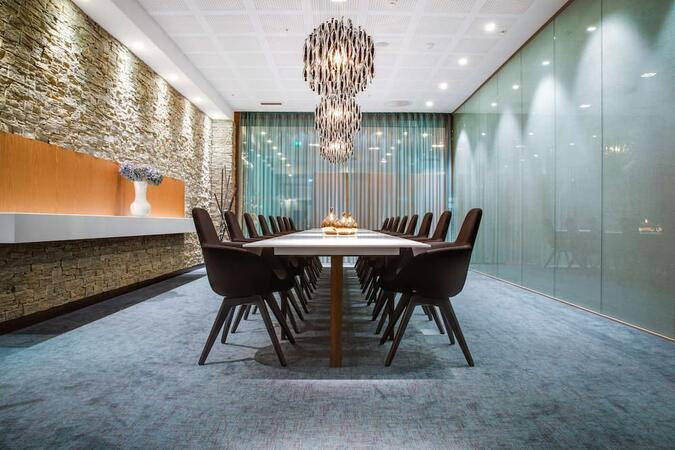
Thamel Classroom
near Radisson , Ward 2, Kathmandu, Nepal, 44600
Set in Kathmandu, this classroom is well located near Thamel, with all amenities and WiFi.
For Sales Enquires and Meetings
All our centres have batches running on weekdays and weekends hence, please note that, in most cases, usually we are not able to organise ad hoc sales meetings, especially on our classrooms as they are all occupied with ongoing training sessions . Please contact us by e-mail or phone at least one day earlier to make an appointment with one of our consultants at our corporate offices.
Join this five-day instructor-led course in Kathmandu to master the planning and administration of Microsoft SharePoint 2016 environments. It covers deploying, managing, and troubleshooting SharePoint, with best practices to optimize your deployment for performance and security.
Online Authorized Microsoft Office training in Kathmandu, Authorized Microsoft Office training courses in Kathmandu, Weekend Authorized Microsoft Office courses in Kathmandu, Evening Authorized Microsoft Office training in Kathmandu, Authorized Microsoft Office instructor-led in Kathmandu, Authorized Microsoft Office on-site in Kathmandu, Authorized Microsoft Office instructor-led in Kathmandu, Authorized Microsoft Office classes in Kathmandu, Online Authorized Microsoft Office training in Kathmandu, Evening Authorized Microsoft Office courses in Kathmandu, Authorized Microsoft Office boot camp in Kathmandu, Authorized Microsoft Office private courses in Kathmandu, Weekend Authorized Microsoft Office training in Kathmandu, Authorized Microsoft Office one on one training in Kathmandu, Authorized Microsoft Office trainer in Kathmandu, Authorized Microsoft Office coaching in Kathmandu, Authorized Microsoft Office instructor in Kathmandu